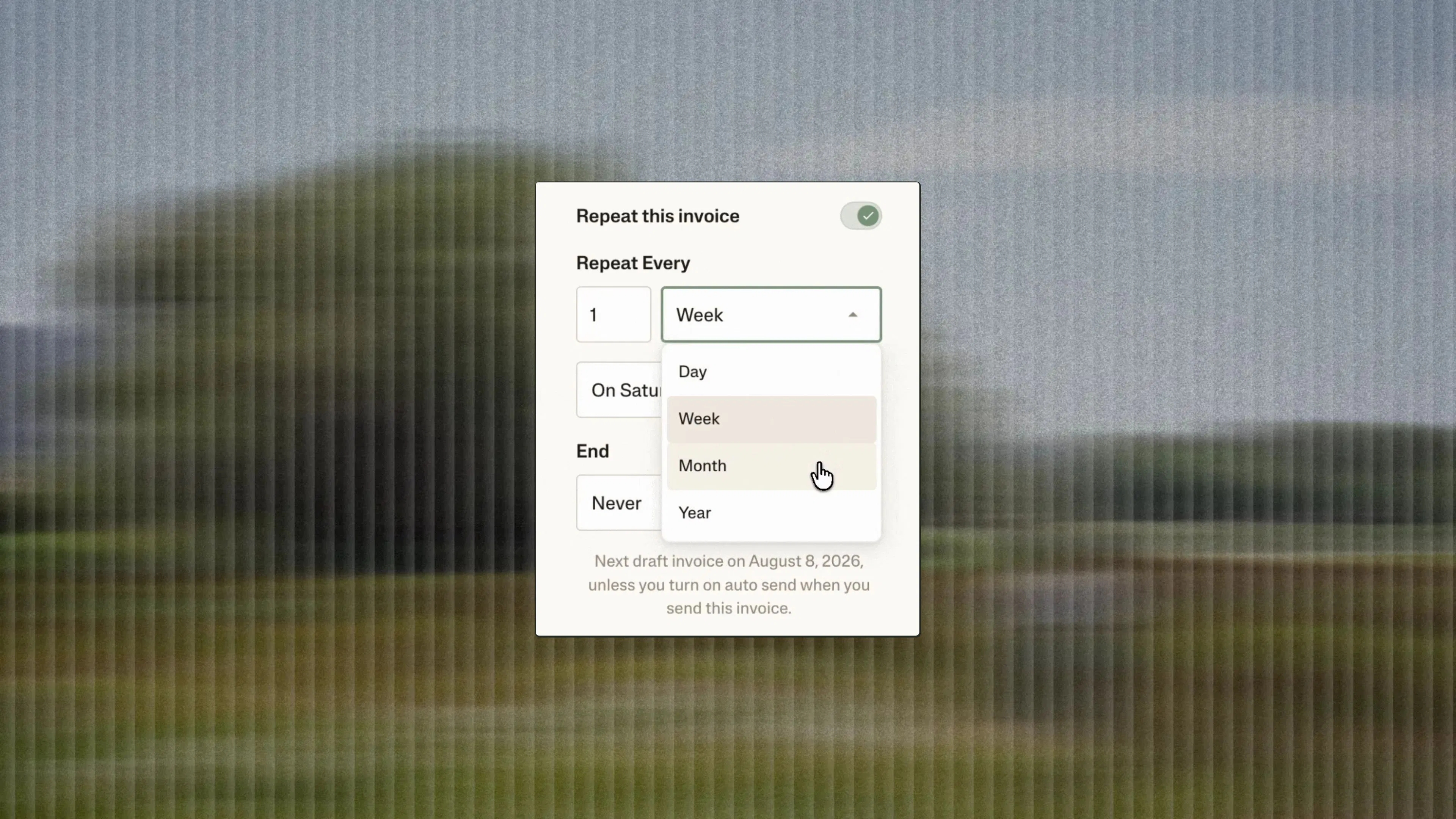

Bulk bill pay is now available in Ambrook. Pay a month of bills in just a few clicks.
Now in Ambrook, it’s even easier to stay on top of your bills, whether you’re paying all of the week’s bills in one sitting or mailing one check for a month’s worth of invoices from the same vendor. Bulk bill pay is built around how vendors actually invoice you.
How it works
Getting started with bulk bill pay in Ambrook is simple: from the Bills tab, select any open bills you want to pay, across as many vendors as you like, and click Pay.
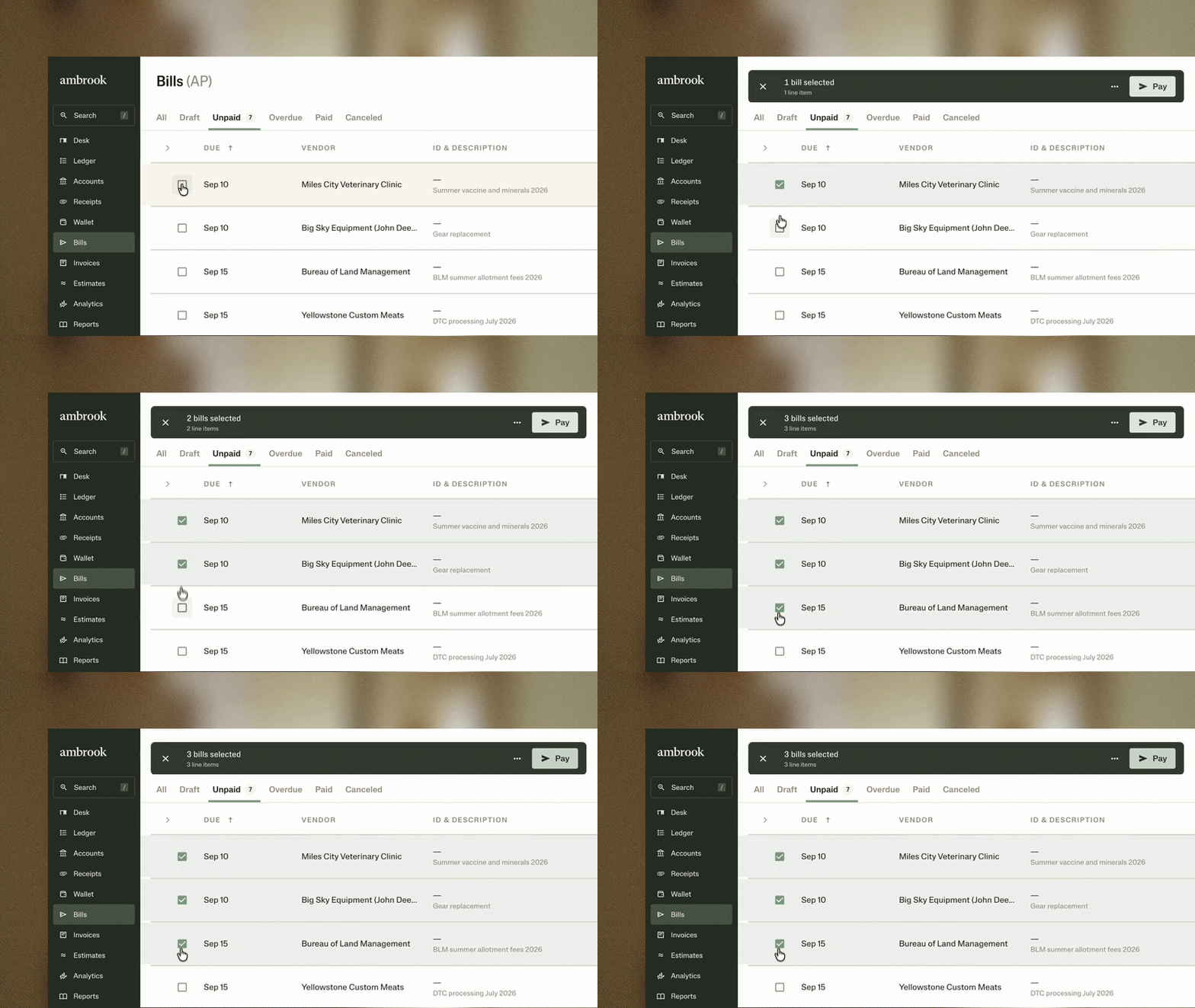
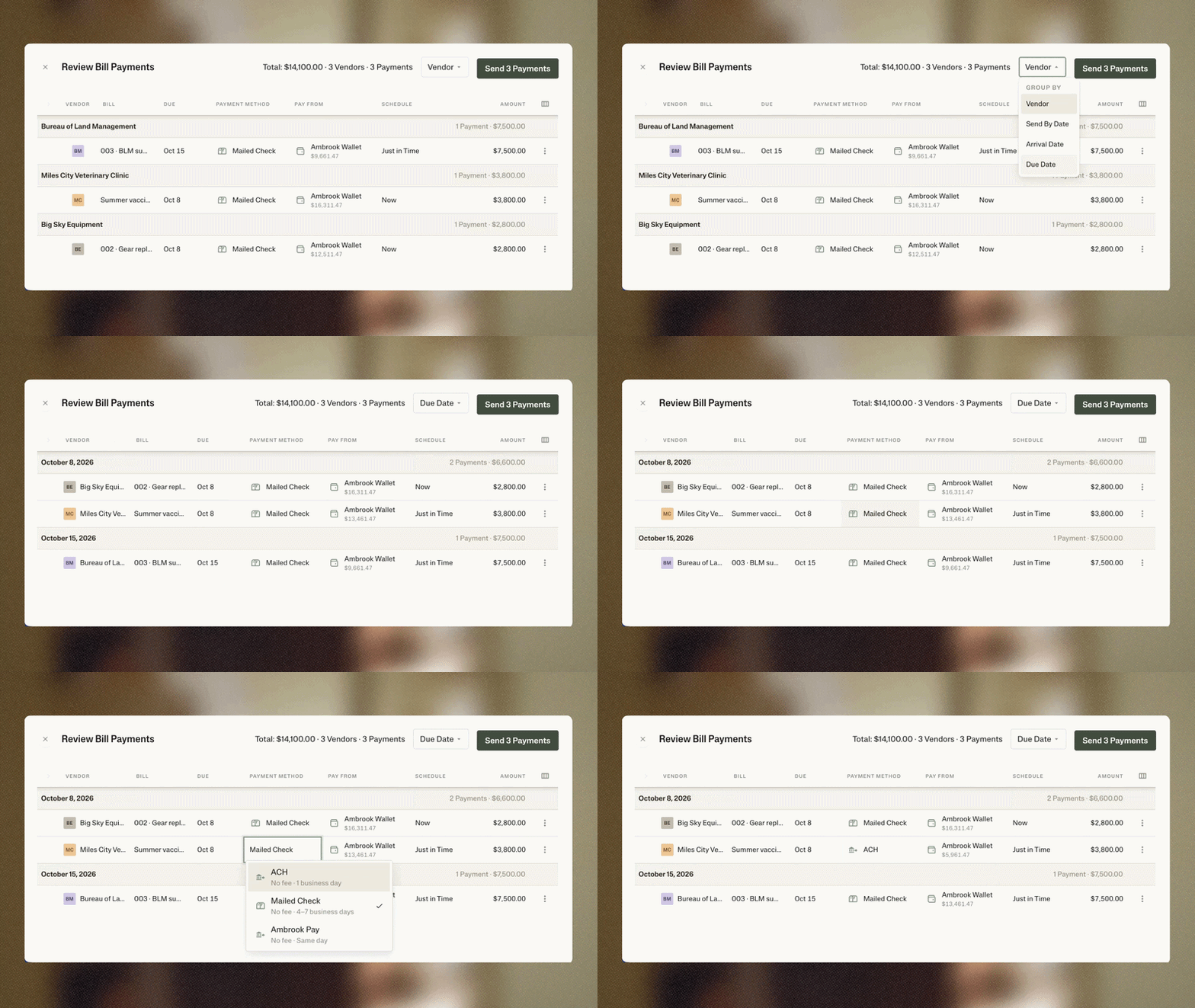
It’s easy to double check all the details in one review screen.
Organize your view. Group the bills by vendor, send date, arrival date, or due date, whatever matches how you plan cash.
Decide how you’ll pay. Choose between paying by ACH, mailed check, or Ambrook Pay and where the payment should be delivered to.
Manage cash flow. Decide whether each payment should be sent now or get scheduled to arrive just in time.
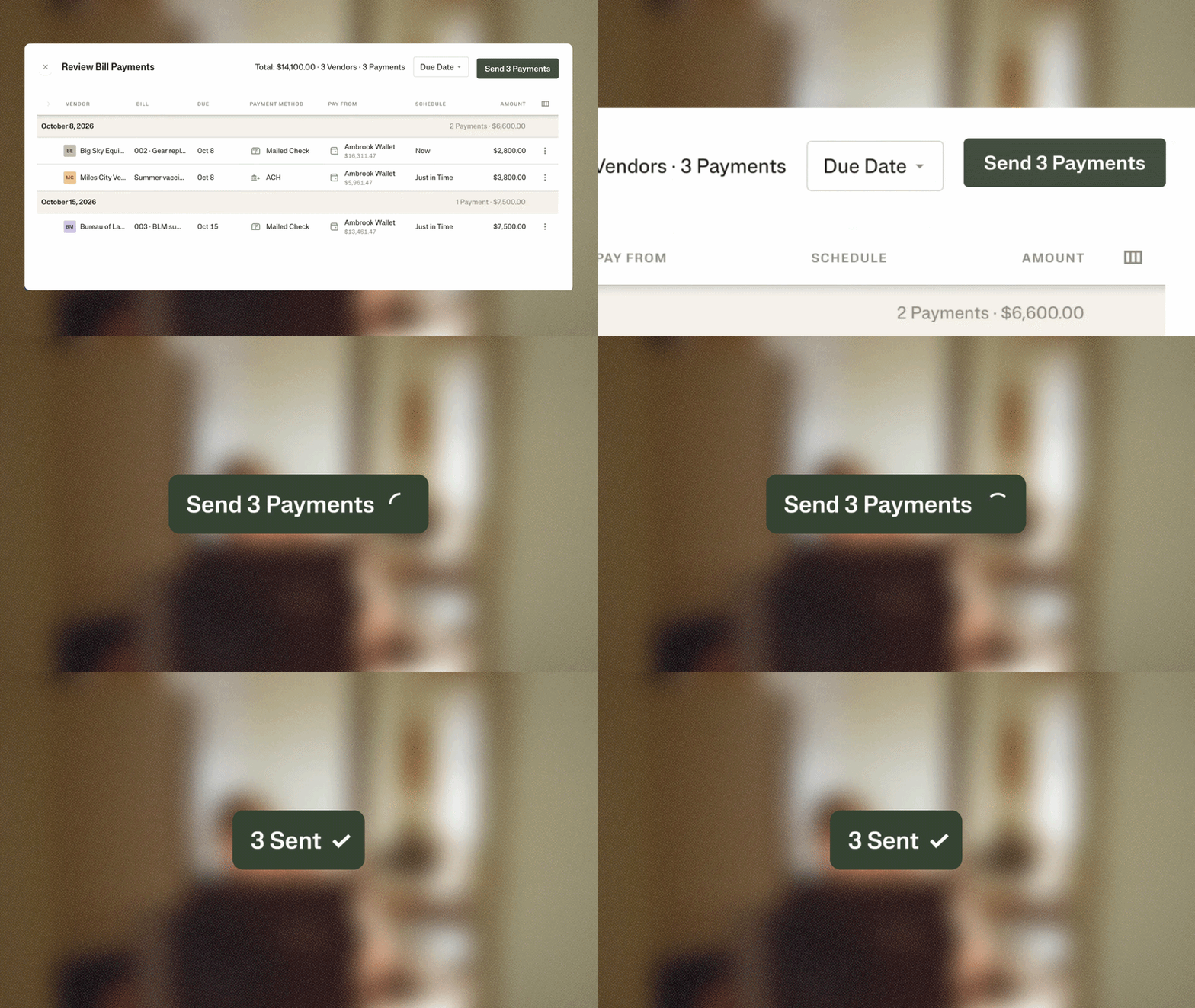
Once everything looks good to go, Ambrook handles it from there.
One payment per vendor. When several bills for the same vendor go out the same day by the same method, Ambrook combines them into a single mailed check or ACH.
Fund it once. If your Ambrook Wallet balance is short for everything you selected, choose deposit funds then pay. Once the funds land, Ambrook will send out the payments together.
Catch problems ahead of time. If we can’t verify a vendor’s mailing address, we’ll flag it. If a bill needs a deeper look, skip it and save it for later.
More bills improvements to save you time
Over the last few months, our team has gathered ideas and customer feedback on how we might automate paying bills faster, from small details to new workflows. Here’s everything else we shipped.
Default vendor payment methods. Set a default payment method for each vendor, so that you pay bills the preferred way every time.
Vendor credits. You can now record a credit from a vendor as a debit memo and apply it to a bill, in full or in part. Any remaining credit carries forward to the next bill.
Vendor contacts that stay up to date. When a bill arrives with an address, email, or phone that differs from what’s on file, Ambrook recommends the update right on the bill.
Bulk tag bills. Bookkeeping your AP just got faster. Review and tag line items across several bills at once, rather than one at a time.
Default account for printed checks. Set a default account for printed checks, so the right one’s always selected. You can always change it on any single check.
Auto-incrementing check numbers. Toss the sticky note with the last used check numbers. Printed and recorded checks now increment automatically on a per-account basis.
Word documents as attachments. You can now attach .docx files to bills, invoices, and estimates, alongside PDFs, images, and Excel files.
What’s next
Handing a vendor a physical check is a core part of how you do business. Building on our recent improvements to check printing, we’ll soon be adding support for printed checks in bulk bill pay.
Getting started
Bulk bill pay is available on all Ambrook plans with a funded Ambrook Wallet. Ambrook Wallet is a business cash account you can also use to collect customer payments by ACH or credit card and earn cash back.
Learn more about paying multiple bills at once and creating and applying vendor credits.
Not on Ambrook yet? You can try for free or visit our pricing to learn more about our plans and services.