Mobile App
Run your business from wherever the work is
Snap receipts, bills, and job costs right from your phone, and they land in the books tagged and matched. No more chasing paper.
30-day free trial
Live onboarding
US-based support
4.7 Trustpilot
30-day free trial
US-based support
Live onboarding
4.7 Trustpilot




8,000 operations across
America rely on Ambrook


The field and the books, finally in sync
Less receipt chasing
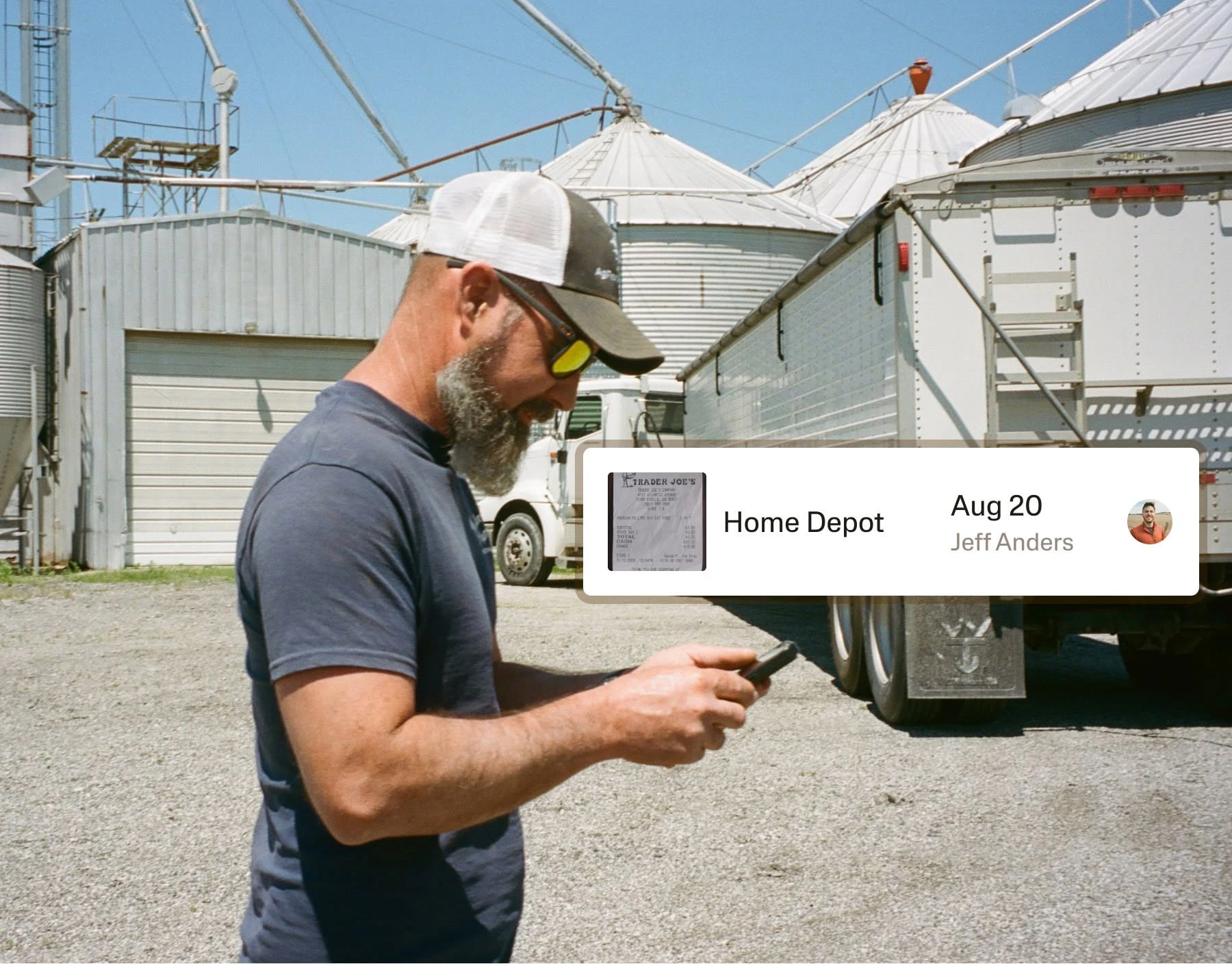
Snap a receipt the moment someone buys fuel, materials, tools, or parts. No waiting for paper to make it back to the office.
Cleaner job and property context
Tag an expense to the right project, property, unit, crew, entity, or vendor while the details are still fresh.

Fewer month-end cleanups
When expenses and documents are captured through the week, bookkeeping stays a steady habit instead of a scramble.

Customer Story
How Lake Huron Cabin Rentals claimed 20–30% more write-offs
A Michigan property manager replaced a shoebox of receipts and year-end spreadsheets with Ambrook, capturing expenses in real time across seven rental cabins.
Jeff Czymbor
Owner, Lake Huron Cabin Rentals

Try Ambrook for FreeTry Ambrook for Free
The mobile toolbox for operators
Receipts
Keep proof attached to the right expense. Capture receipts on the spot.
Bills and invoices
Get documents into the books wherever they arrive: field, office, or truck.
Job and property tagging
See what each project, property, unit, or crew actually costs.
Materials and inventory
Record what you bought and where it went, from parts to equipment.
Team access
Give the field a simple way to send financial context back to the office.
Reporting
Check the numbers from anywhere. Pull reports on your phone between jobs.
How to Start
Get up and running in less than 30 days.
Today
Connect your accounts
Link your bank, import your QuickBooks chart of accounts, or start fresh. Setup takes minutes, not weeks.
This Week
Track every dollar
Transactions flow in automatically. Set up your enterprises, automate tagging, and watch your books start organizing themselves.
End of the Month
Pull your first real P&L
Run a per-enterprise profit and loss statement. Hand your lender a clean balance sheet. Know exactly what's making money.
Frequently Asked Questions
Yes. Excel/CSV imports are straightforward, QuickBooks exports come over with some cleanup, and our team helps with migration — including live setup calls to make sure your books start right. Most customers are fully moved within their free trial.
Real accounting. Full double-entry with manual journal entries, cash and accrual maintained side by side, balance sheet, and financial statements your lender and CPA will accept.
Categories are income and expense types (feed, vet, repairs). Enterprises are profit centers (cow-calf, hay, custom work). Tag both and you can see total feed costs and feed costs per enterprise.
Yes — invite your CPA or bookkeeper with view-only or full access, at no extra cost. They can review transactions, run reports, and make journal entries directly.
It's strongest on recurring vendors and improves as it learns your operation — and automation rules give you exact control regardless. You confirm everything; nothing posts behind your back.
Every receipt you photograph or forward attaches permanently to its transaction. Pull up any expense and the documentation is right there.
Try Ambrook today
30-day free trial
Live onboarding
US-based support
4.7 Trustpilot
30-day free trial
US-based support
Live onboarding
4.7 Trustpilot