Estimates, Quotes, Bids, Proposals Software
From estimate to payment in one click.
Built for crews who price work before they bill it. Send a bid from the job site, collect a signature, and turn the accepted version into an invoice with one click. Line items, costs, and job tags already filled in.
30-day free trial
Live onboarding
US-based support
4.7 Trustpilot
30-day free trial
US-based support
Live onboarding
4.7 Trustpilot






Quote it once. Bill it your way.
Send estimates, collect signatures, and turn accepted work into invoices in one click. Line items and tags already filled in.
Estimate, quote, bid, or propose
Send with the document name your customers expect, and add opening messages, terms and conditions, and attachments so every document looks professional and custom.
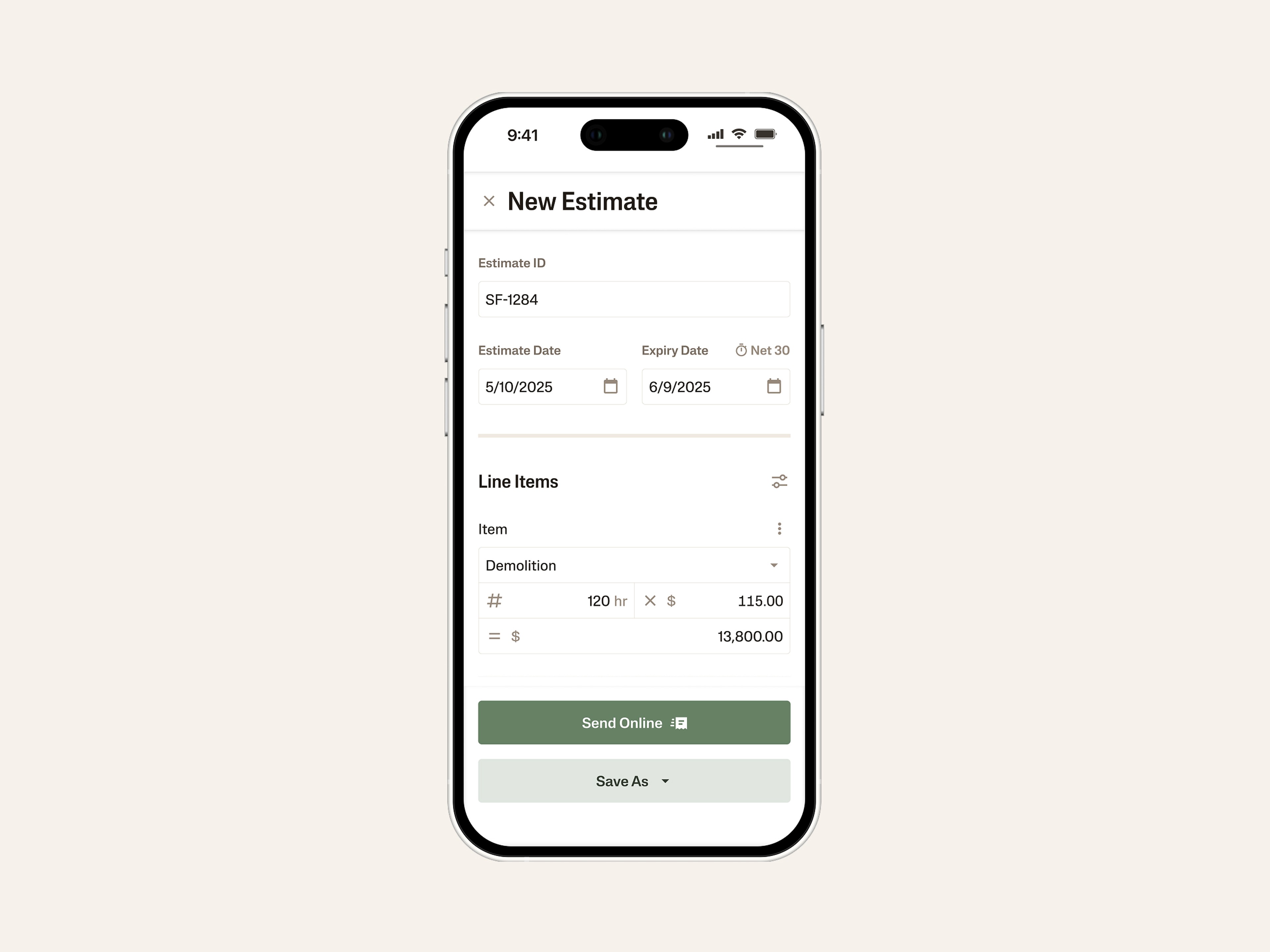
Send from the field, sign from anywhere
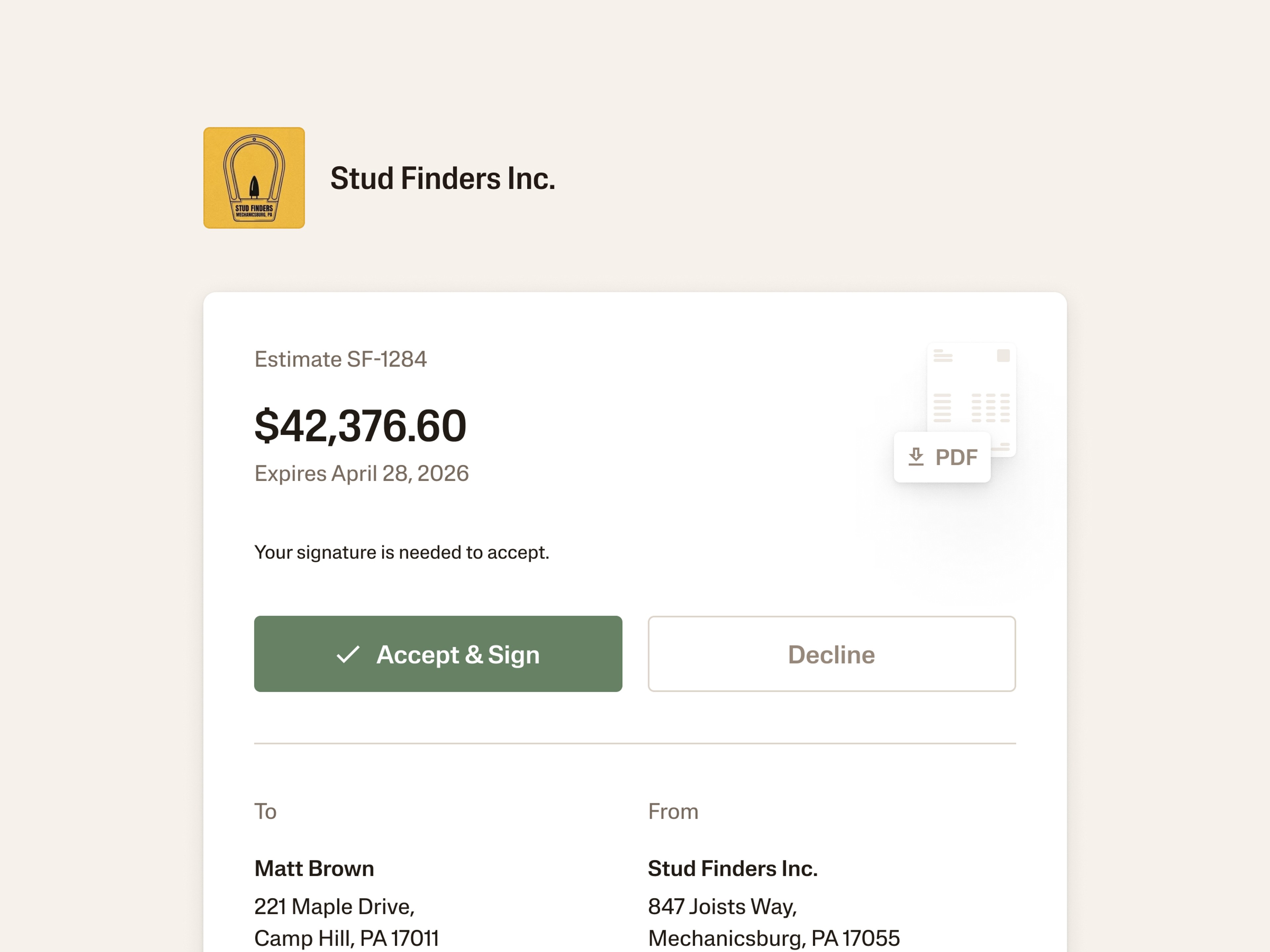
Create estimates from your phone, send them by email or text, and let customers review and e-sign in a secure portal. No printing, no phone tag, no third-party signature tool.
One click from accepted to invoiced
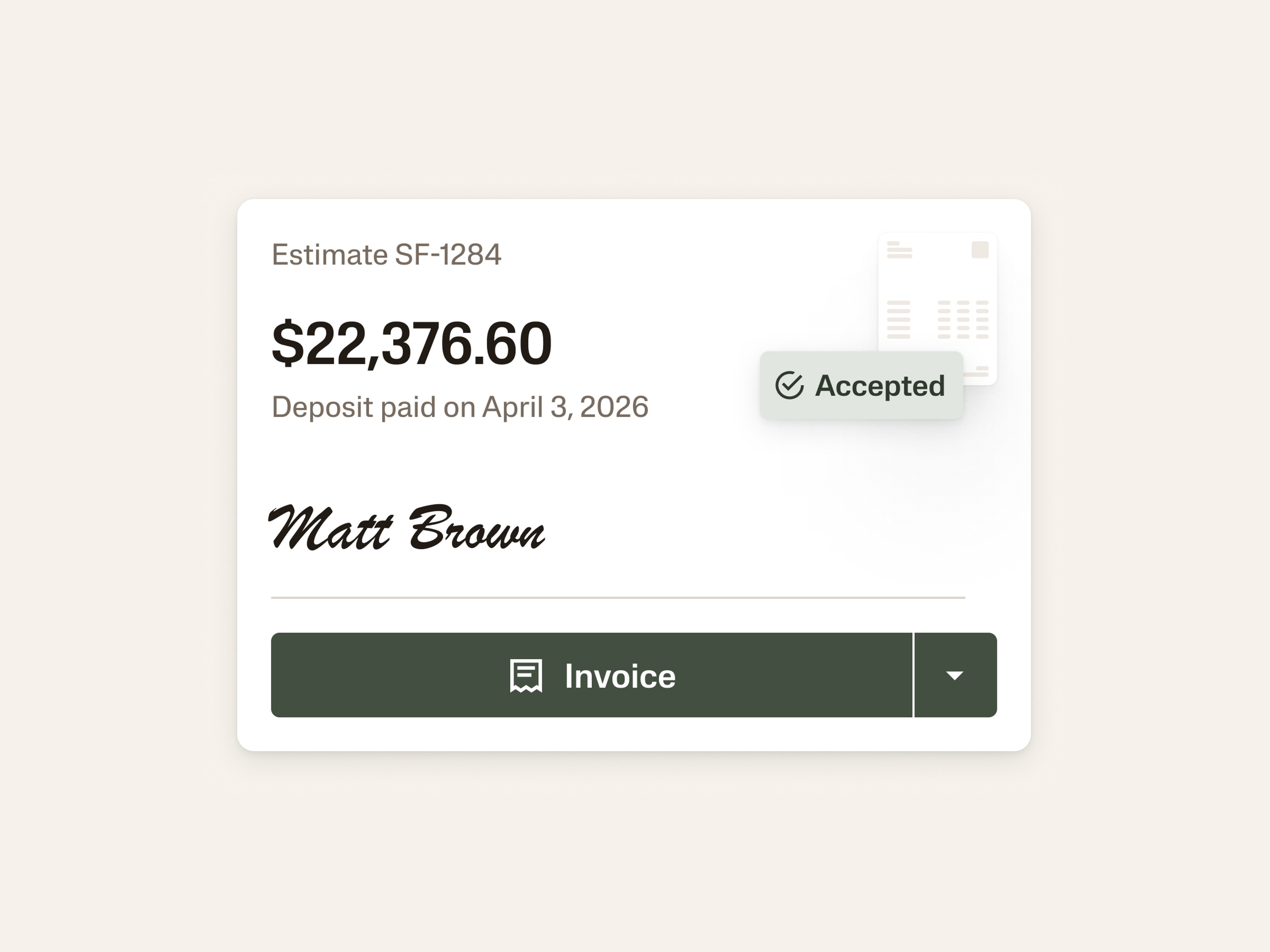
When the work's done, convert an accepted estimate into an invoice. Bill the whole job, a percentage, or just the line items you've finished. Line items, tags, and customer details carry forward automatically.
Project P&L from the first quote
Estimate line items carry their tags (enterprise, project, location, funding source) through to the invoice. Job-level reporting starts the moment you send the quote, not when the invoice is paid.
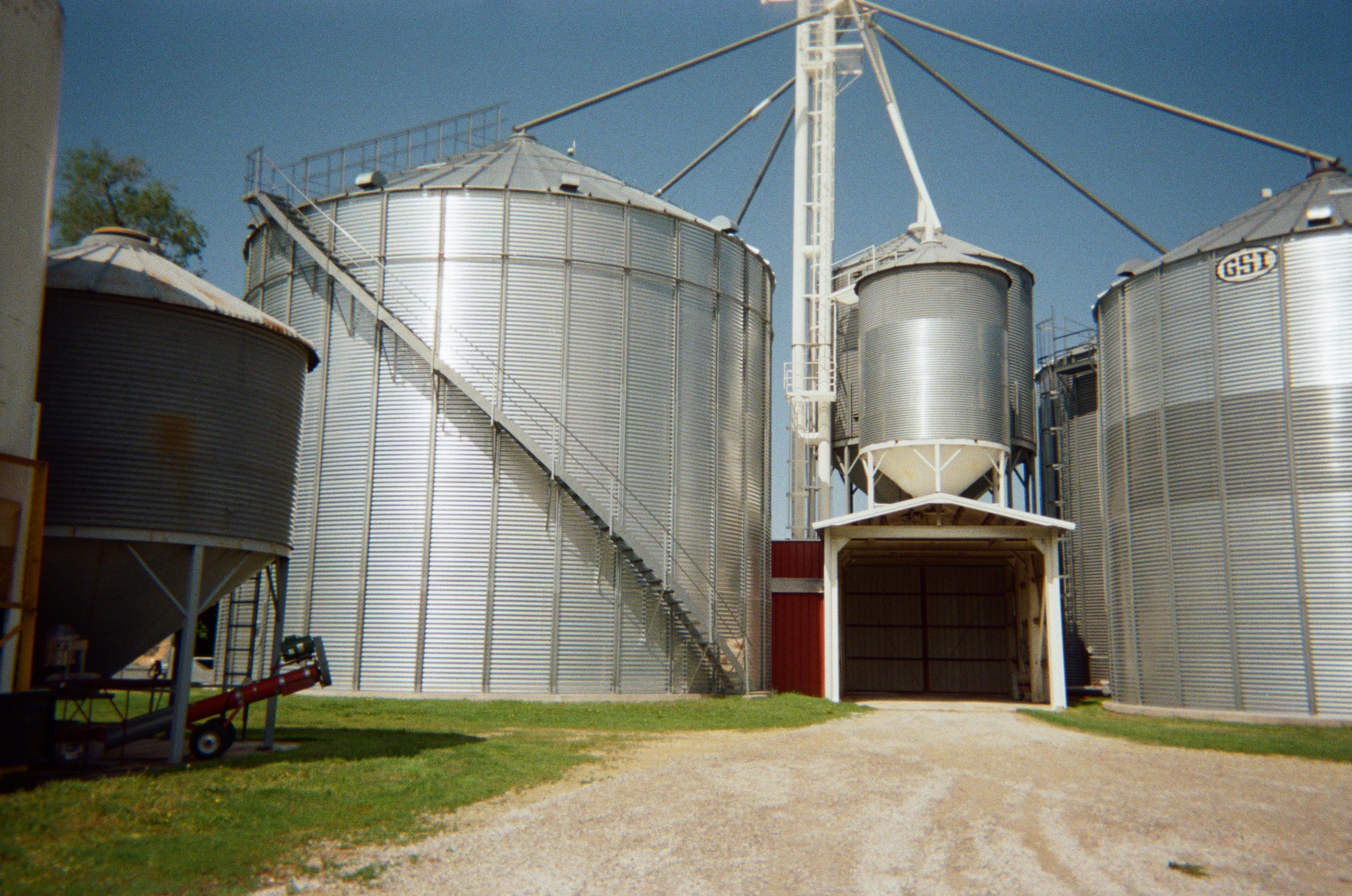
Customer Story
How Ag Strategy scaled 5x YoY growth with Ambrook
From invoicing and bill pay to inventory, reconciliation, and reporting, all live in one place that’s accessible from his phone, wherever the day takes him.
Nicholas Bledsoe
Co-owner, Ag Strategy LLC
Start quoting jobs in AmbrookStart quoting jobs in Ambrook
Built for operations that bid before they bill
Estimates isn’t a standalone tool. It’s the front end of Ambrook’s quote-to-cash workflow — quoting, invoicing, payments, and your books all live in one platform.
Call it what your industry calls it
Estimate, Quote, Bid, or Proposal — customize the document name to match how your customers talk about it. Update terminology per send if you need to.
E-signatures included
Collect a binding signature right in the customer portal. No DocuSign upgrade, no third-party add-on, no scanned PDFs sent back over email.
Send by email or text
Customers get a link, review on any device, and accept without phone tag. Status updates in real time when they open, accept, or sign.
Partial invoicing, built in
Convert an accepted estimate by full amount, remaining balance, percentage, or specific line items. Progress billing works without spreadsheets on the side.
Tags carry to the invoice
Enterprise, project, location, and funding tags on estimate line items flow straight through to the invoice. Job-level P&L starts at the quote, not at the payment.
Markdown terms and conditions
Add formatted opening messages, scopes, exclusions, and T&Cs directly on the document. Not a plain-text notes field at the bottom.
How to Start
Get up and running in less than 30 days.
Today
Connect your accounts
Link your bank, import your QuickBooks chart of accounts, or start fresh. Setup takes minutes, not weeks.
This Week
See every dollar in the right place
Transactions flow in automatically. Set up your enterprises, automate tagging, and watch your books start organizing themselves.
End of the Month
Pull your first real P&L
Run a per-enterprise profit and loss statement. Hand your lender a clean balance sheet. Know exactly what's making money.
Frequently Asked Questions
The mechanics are the same — you're sending a customer a priced document for work you haven't billed yet. The label just changes how it reads on the document. Pick whichever your industry uses: construction crews send Bids and Proposals, service businesses send Estimates, ag operations often send Quotes.
You can set a default terminology and then switch if a particular customer expects different language.
Yes. Customers sign directly in the secure Ambrook portal, and the signed PDF becomes part of the document's permanent record. No DocuSign, no third-party add-on, no scanned PDFs emailed back and forth.
Once a customer accepts — and signs, if you required a signature — you convert the estimate to an invoice in one click. Bill the full amount, a percentage for a deposit or milestone, or just the line items you've completed for progress billing. Line items, tags, attachments, and customer details carry forward automatically. Nothing gets re-entered.
Yes. Estimates is built mobile-first. Create and send by email with text notification from the truck or the job site, and track status as it changes. Customers get a link they can review and sign on any device, so a job can close before you're back at the office.
Included on every Ambrook plan, at no added cost. The customer portal, e-signatures, partial invoicing, and conversion to invoice are all part of the invoicing feature set, no separate tier or add-on to buy.
Yes. Every estimate carries a timeline showing when it was sent, accepted or declined, signed, and versioned. That history continues once it becomes an invoice, you can see who created, edited, sent, and matched payment to it. Edits create a new version rather than overwriting the old one, so nothing is lost.
Try Ambrook today
30-day free trial
Live onboarding
US-based support
4.7 Trustpilot
30-day free trial
US-based support
Live onboarding
4.7 Trustpilot