Ambrook for Property Managers
See every property. Know every number.
See which rentals earn their keep and which ones don't. Per-property P&Ls, mobile receipt capture, team spending cards, and tax-ready reports — without the learning curve.
30-day free trial
Live onboarding
US-based support
4.7 Trustpilot
30-day free trial
US-based support
Live onboarding
4.7 Trustpilot


“Been loving bookkeeping these days, ha! Never thought I'd say that.”
"Best decision ever was to quit QuickBooks and start using Ambrook!"
"Ambrook's tech support is the best of all the companies we have used.”
“Been loving bookkeeping these days, ha! Never thought I'd say that.”
"Best decision ever was to quit QuickBooks and start using Ambrook!"
"Ambrook's tech support is the best of all the companies we have used.”






Product
Property managers love working with Ambrook
Finally, accounting software that understands your business runs on property profitability, not just tax categories.


Stop guessing which properties are profitable. See profit margins by property updated in real-time as costs come in—make expansion decisions based on data, not gut feel.
Issue team spending cards to your team with limits you control. They photograph receipts at purchase—no more collecting receipts at month-end or missed deductions.
Year-end tax prep in hours, not days—because everything is already organized. Expenses categorized throughout the year, receipts attached, export-ready for whenever you need.
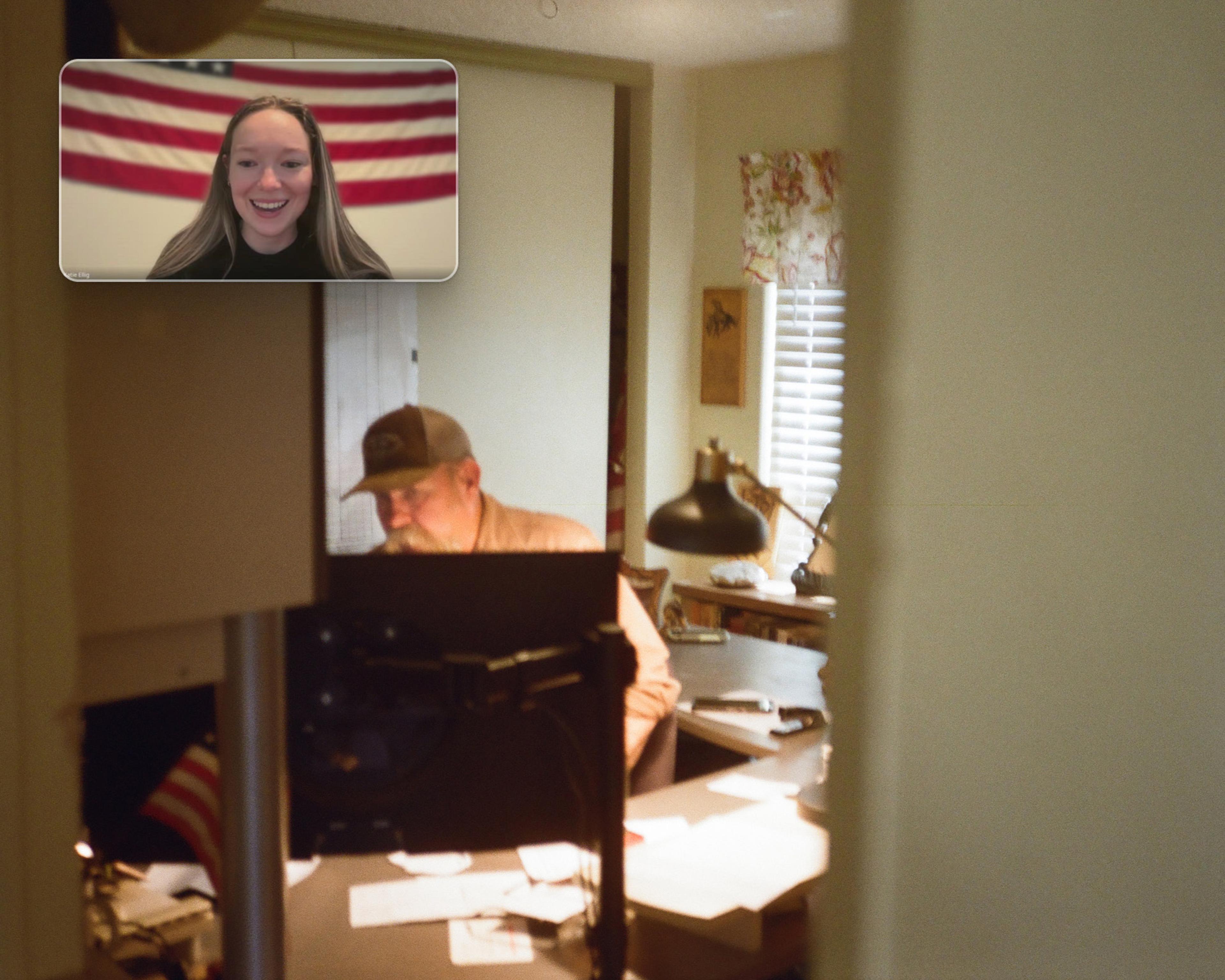
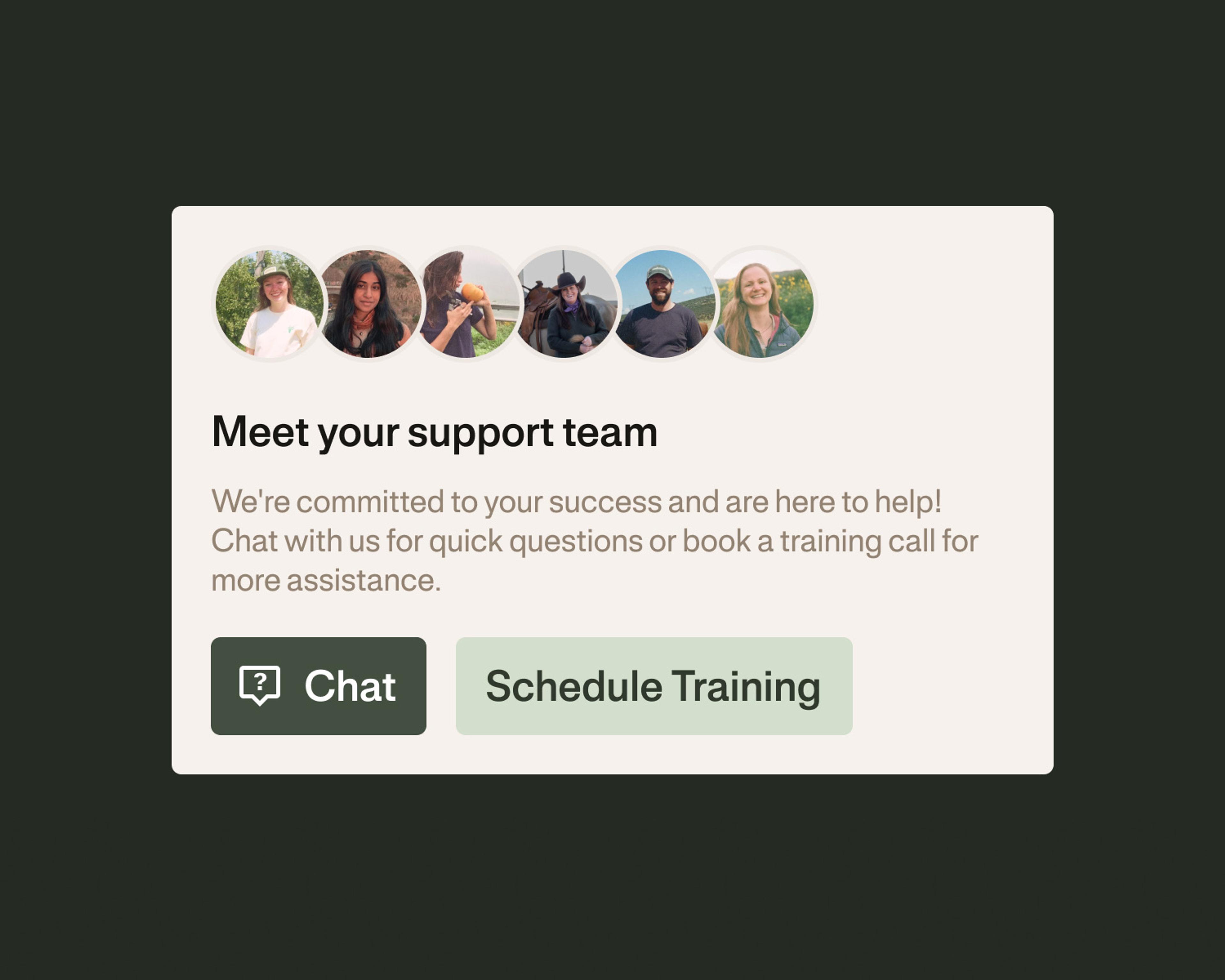

No more tickets or offshore call centers. Get top-notch support from our team of finance experts and industry pros.
Need help setting up or migrating from a different platform? We provide live onboarding and training to make sure you get set up right the first time.
Bookkeepers, accountants, and CPAs love working with Ambrook. Accurate cost tracking, enterprise P&L and built-in reporting keep client books clean.
Ambrook has everything you need and nothing you don’t
Enterprise Tracking
Track profitability by property with individual P&Ls. Split shared expenses like marketing and insurance across properties by percentage.
Full Mobile App
Send invoices, pay bills, capture receipts, bookkeep and more from anywhere. Get work done wherever you need to be.
Team Spending Cards
Give your team spending power, but keep full control. Issue debit-secured cards with per-user limits and real-time purchase tracking.
Mobile Receipt Capture
Snap photos of any receipts and we'll scan, categorize, and attach them to transactions automatically. No more boxes of paper.
Auto-Categorization
Automatically tag recurring transactions with similar descriptions instead of handling each individually. Set it once, never again.
Live Transaction Feeds
Bank feeds update daily so you always know your cash position across all properties and can act on opportunities instantly.
Customer Story
Jeff gave his team cards and got his time back.
“The cleaner needs cleaning supplies? Now they just pick up what they need, put it on the card, take a picture of the receipt, and everything goes right through to Ambrook. I don't have to be involved and can focus on the business.”

Jeff Czymbor
Owner, Lake Life Cabin Rentals

Try Ambrook for freeTry Ambrook for free
How to Start
Switching to Ambrook is easy
Our team can help you move everything from your current accounting tool into your Ambrook account. It's quick and seamless.
1. Choose your starting point
Keep your QuickBooks chart of accounts or start fresh on Ambrook. It’s up to you.
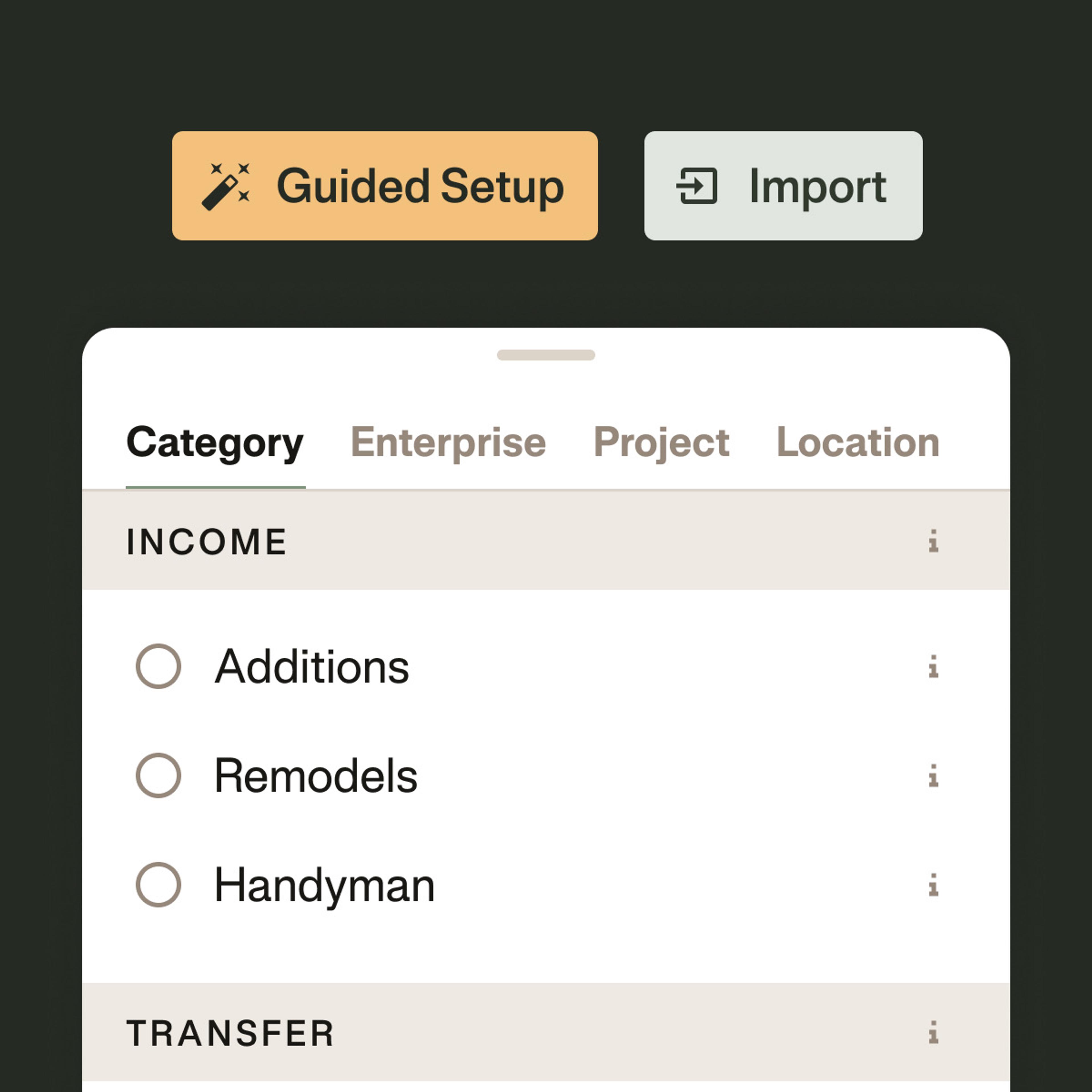
2. Transfer your data
Seamlessly import transactions, contacts, vendors, and your balance sheet.

3. Get back to work
Start tagging, tracking, and getting things done with Ambrook. We’re always here to help.

See how Ambrook can helpSee how Ambrook can help
Frequently Asked Questions
QuickBooks is built for retail operations and requires accounting expertise—most customers say "you pretty much have to pay somebody to do it." Ambrook is custom-built for property managers with enterprise tracking, property-level P&L analysis, and team spending cards. It's designed for operators, not accountants.
Ambrook makes their job easier! Instead of data entry, they can focus on strategy. Many customers keep their bookkeeper but cut hours (and costs) significantly. Your bookkeeper can be invited to collaborate directly in Ambrook.
We migrate everything that matters: your chart of accounts, vendor list, customer list, and open items. Your historical data remains accessible in QuickBooks if you need it, but you'll be running fresh in Ambrook within 48 hours.
Full Service pairs you with a dedicated account manager who handles your monthly transaction imports and reconciliation, so your books stay current without you having to do it yourself. You also annual business reviews to go over profitability and strategic planning for the year ahead. It's built for property managers who want to stay close to their numbers without getting buried in the details.
Try Ambrook today
30-day free trial
Live onboarding
US-based support
4.7 Trustpilot
30-day free trial
US-based support
Live onboarding
4.7 Trustpilot